See Every Conversation Your Brand Is Missing — On Every Platform
Favikon Tracker watches competitors, industry voices, and any keyword, hashtag, or mention across Instagram, YouTube, TikTok, LinkedIn, and X — automatically, in one table that refreshes itself.




"We stopped checking a dozen feeds by hand every morning. Tracker just tells us what happened overnight — across every platform we care about."

From watchlist to live feed in three steps

Build lists of creators by client, niche, or region without worrying about limits.
Monitor a competitor's account, keyword, hashtag, or industry voices — not just posts tagging you. This gap is acknowledged by most tools.

Build lists of creators by client, niche, or region without worrying about limits.
Monitor a competitor's account, keyword, hashtag, or industry voices — not just posts tagging you. This gap is acknowledged by most tools.

Build lists of creators by client, niche, or region without worrying about limits.
Monitor a competitor's account, keyword, hashtag, or industry voices — not just posts tagging you. This gap is acknowledged by most tools.

The CRM built for how influencer teams actually work
Catch mentions native platform tools can't see
Monitor a competitor's account, keyword, hashtag, or industry voices — not just posts tagging you. This gap is acknowledged by most tools.
Two ways to read the same data
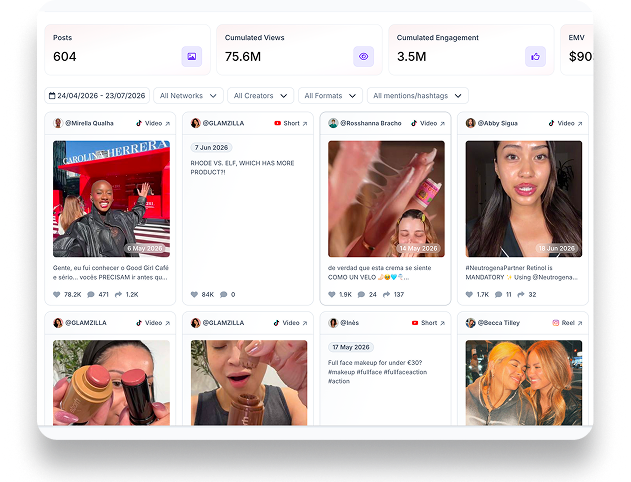
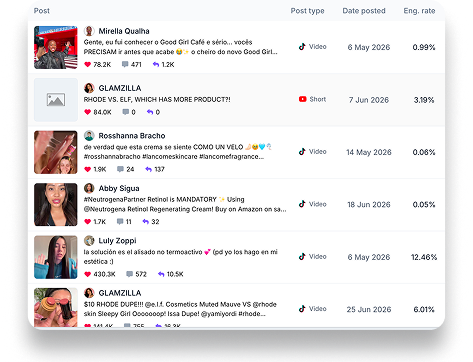
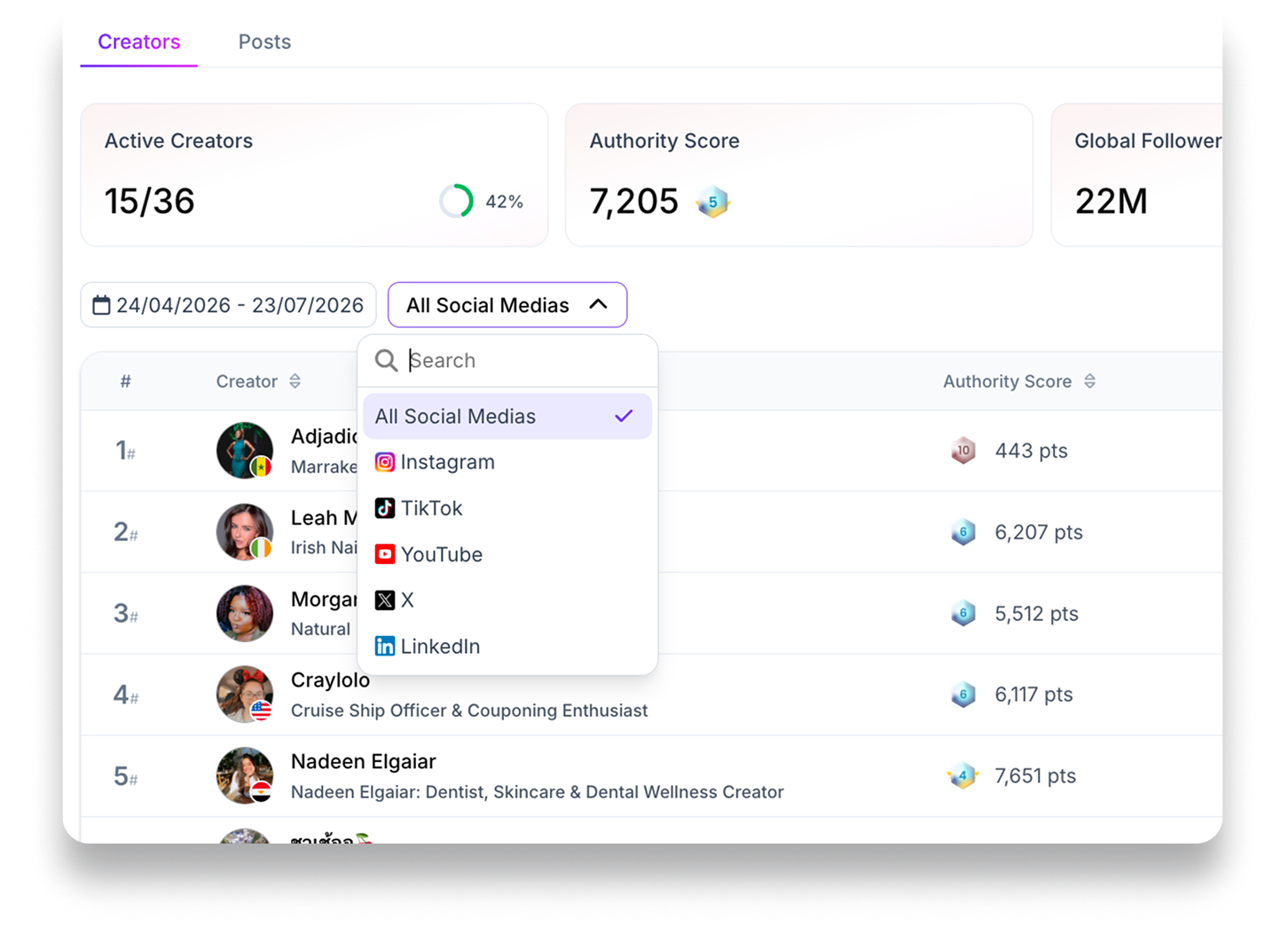
Creator ranks show growth and engagement. Post surfaces content pieces — filterable by platform, creator, format, hashtag, or mention.
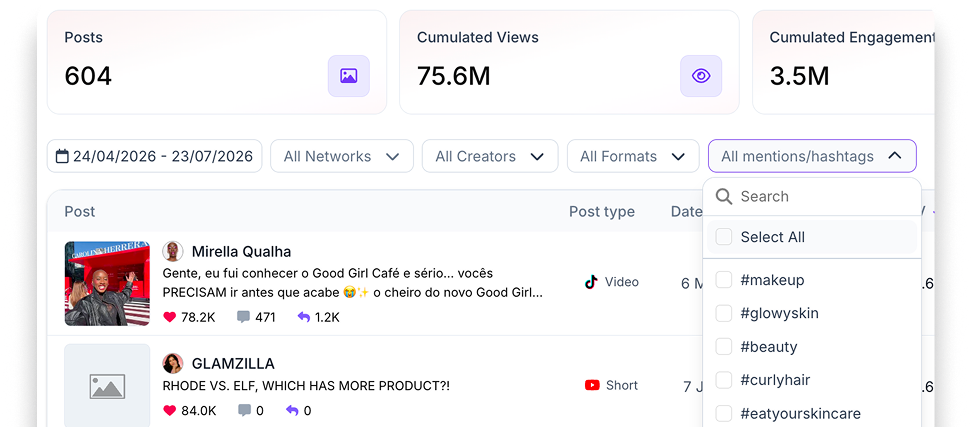
Numbers that update themselves
Each creator and post in a Tracker updates automatically — authority score, follower growth, post count, engagement rate. No stale data.
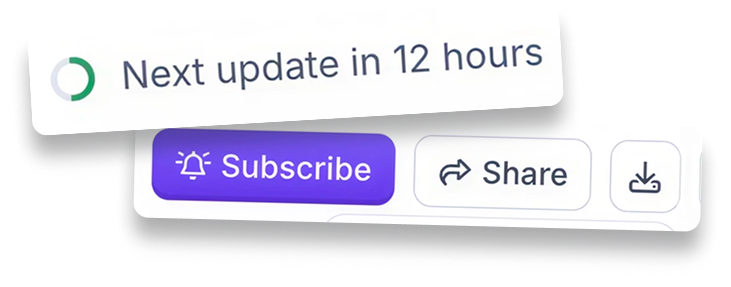
Export whenever you need it
Pull any Tracker view into a CSV for a report, a deck, or your own BI tool. The data stays yours.
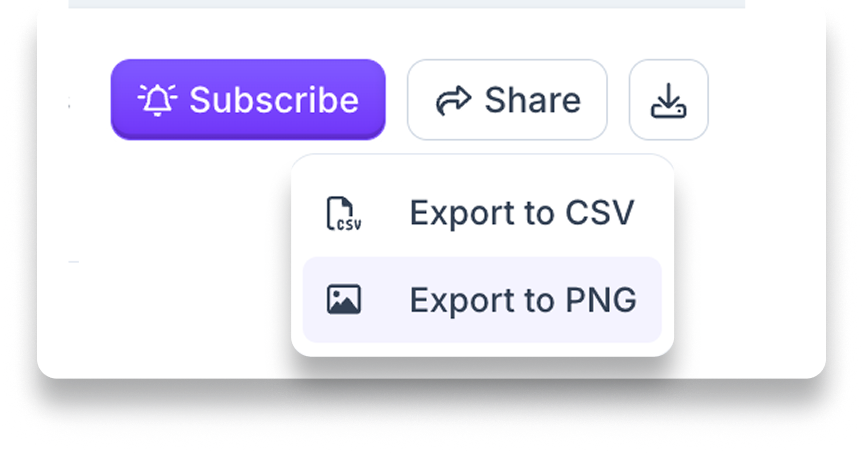
From watchlist to live feed in three steps
An ordered list of every creator in the Tracker — authority score, follower count, growth, number of posts, and engagement rate. Filter by platform to isolate any one of the five.
Built for however you
want to listen
Social listening is the sharpest use case — but the same Tracker mechanics cover two more.
Social Listening
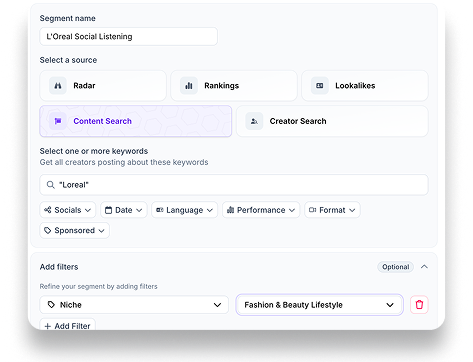
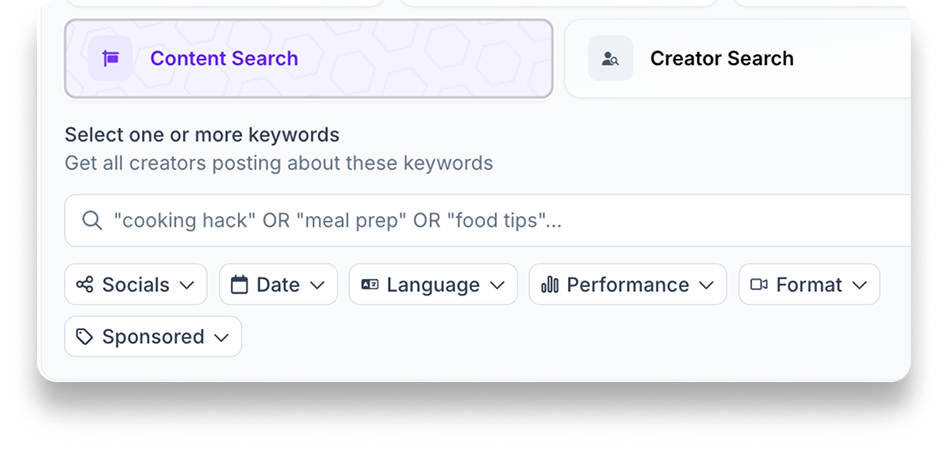
Track everything said about your brand or a keyword. Build a Radar or Content Search segment for the term you care about, then filter the Tracker report by that keyword, mention, or hashtag.

Trend Tracking
See what's actually new in an industry. Push a Rankings segment into Tracker and watch what the top 200 creators in a niche are posting about, week over week.
Employee Advocacy
Add your team to a List and track their social presence and growth on a weekly cadence — no more chasing screenshots for the advocacy report.

FAQ
A contact list is a saved collection of creators you want to track, evaluate, or reach out to. You can create one from any search or discovery result by selecting creators and adding them to a new or existing list. Think of it as your shortlist for a campaign, a talent pool, or a watchlist you revisit over time.
Favikon uses waterfall enrichment, which means it checks multiple data sources one after another until it finds a verified email for the creator. If the first source comes up empty, it automatically moves to the next. This maximizes your chances of getting contact info without you having to dig around manually.
Yes. Instead of enriching creators one by one, you can select several profiles in your list and enrich them all in a single click. This is especially useful when you have a shortlist of 20, 50, or 100+ creators and want to move fast.
Enrichment pulls data from up to 9 platforms and consolidates it into one view. You get follower counts, engagement rates, platform presence, content categories, associated brands, and (when available) a verified email address. Everything shows up in a single row so you can compare creators side by side.
You can share any contact list with teammates or clients using a link or by inviting them directly. Everyone works from the same list, so edits, comments, and shortlisting decisions stay in one place. No more emailing spreadsheets back and forth or losing track of who changed what.
You can set access to "can view" (read-only) or "can edit" (full collaboration). There is also a link-sharing option where anyone with the link can view and edit. This gives you flexibility depending on whether you are sharing with an internal team or an external client.
When a creator is part of a campaign, you can see all the relevant details directly on their contact profile. This includes campaign dates, contract terms, billing and payment status, post deliverables, and whether the collaboration is confirmed, in discussion, or scheduled. Everything ties back to the contact record.
Enriched data includes a "last updated" timestamp so you always know how recent the information is. If a profile looks stale, you can re-enrich it to pull the latest stats and contact details. This is useful for creators whose audiences or platforms shift quickly.
Not always. Some creators do not have a publicly available or verified email across the sources Favikon checks. In those cases, the result will show as "not found." You can try enriching again later as new data sources are updated, or use other outreach channels like direct messages on the creator's primary platform.

Still not sure Favikon is right for you?
Let ChatGPT, Claude, or Perplexity do the thinking for you.
Click a button and see what your favorite AI says about Favikon.